1
Take one photo
Stand near the center of your yard and photograph the full back wall of your house—doors, windows, and the ground below. Daylight, straight-on.
Free Deck Visualizer
Upload one backyard photo and preview a new composite deck on your actual home—no app to download, no measuring, and no cost. Then meet a local Montgomery County builder to make it real.
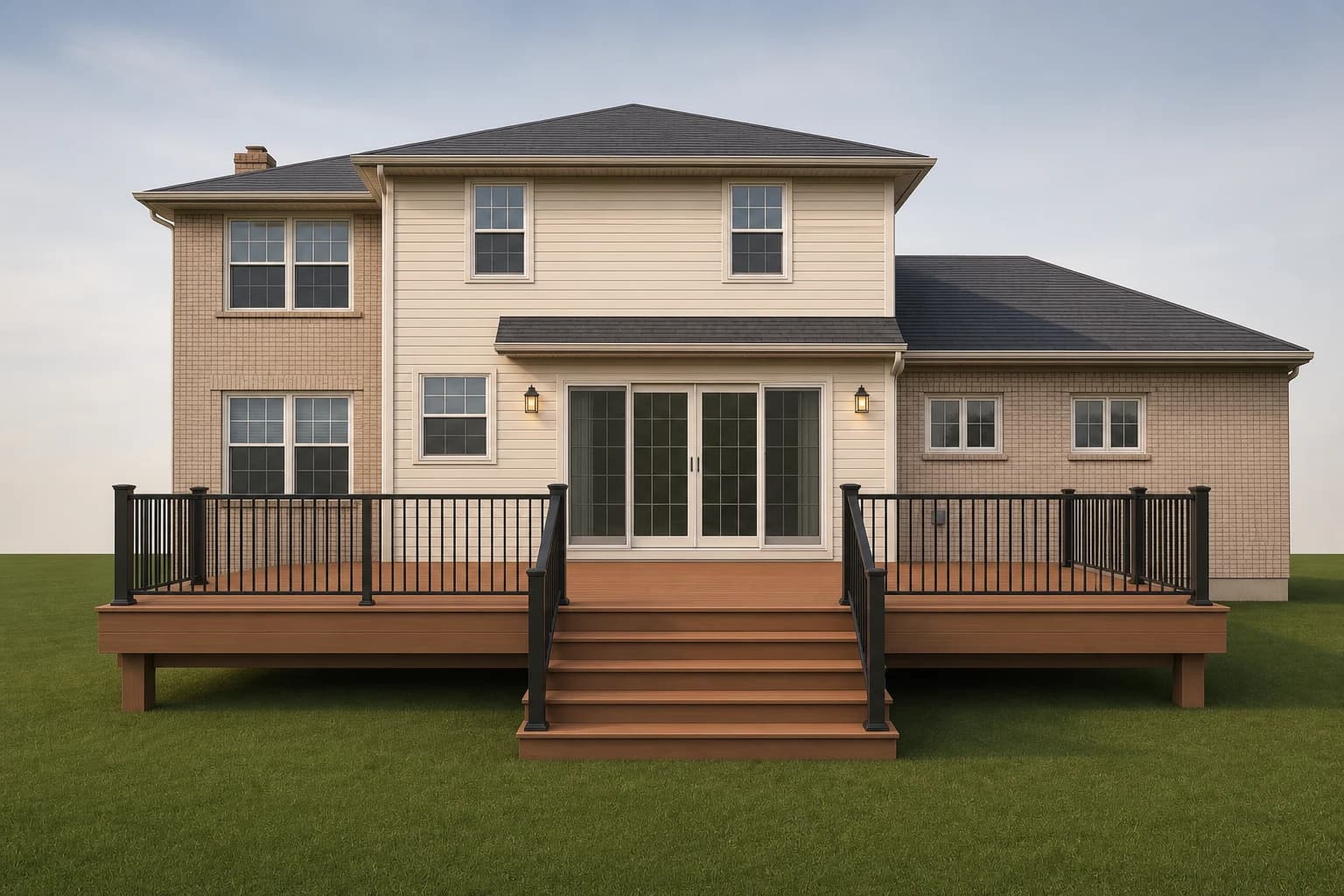
Concept preview — an approximate visualization, not a construction drawing
Three Steps
Stand near the center of your yard and photograph the full back wall of your house—doors, windows, and the ground below. Daylight, straight-on.
Send the photo straight from your phone. No account, no measuring, no app to install. We read the visible walls and openings to place the deck.
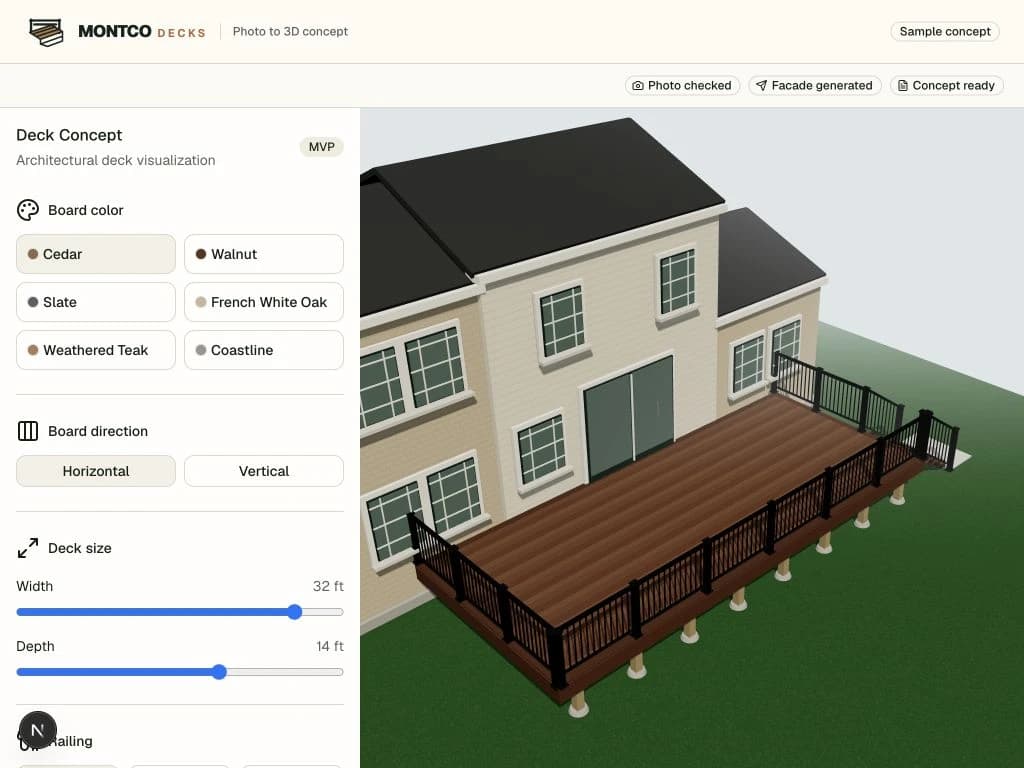
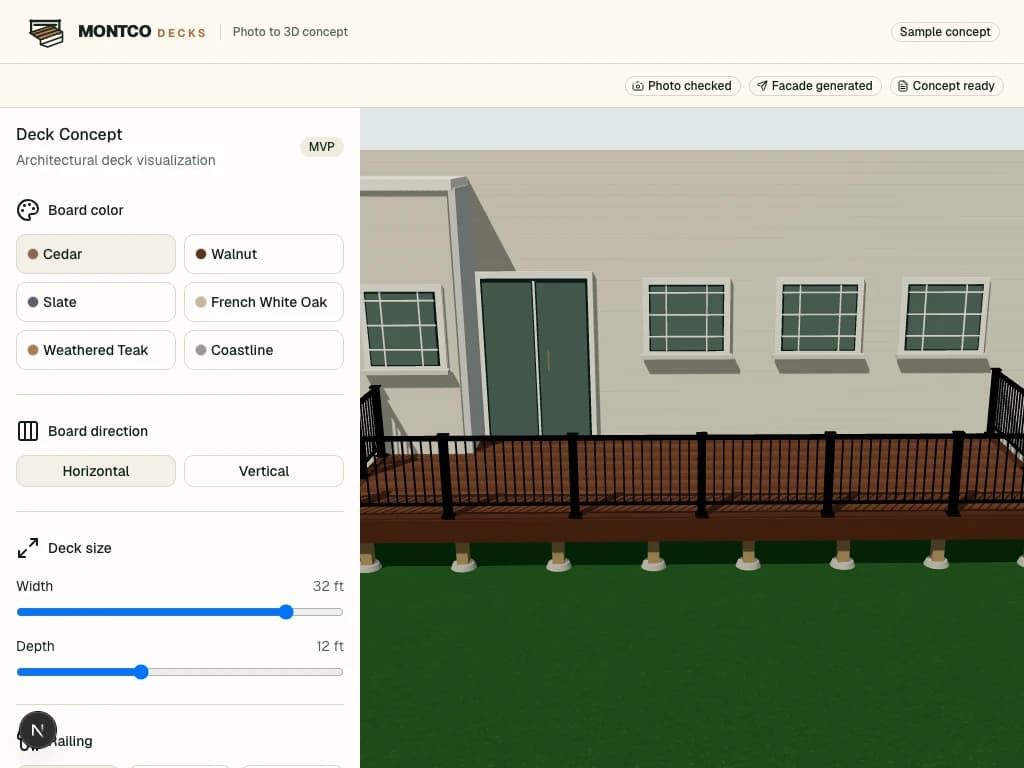
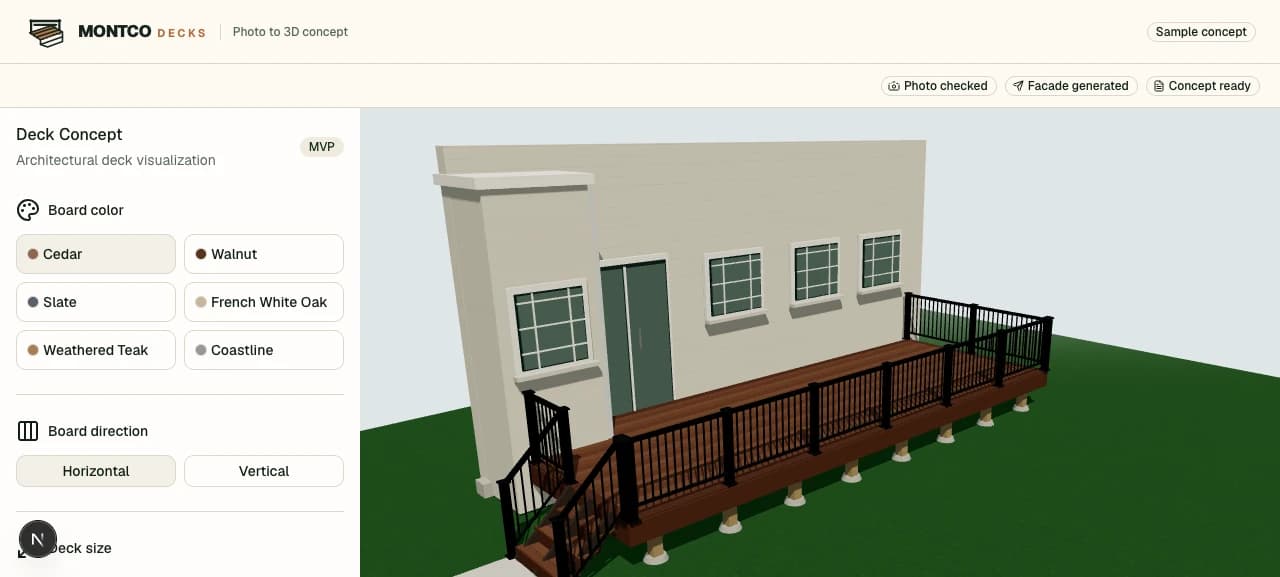
Try different sizes, six composite finishes, board directions, and three railing styles. Compare looks on your actual house until one clicks.
Everything below reflects what the tool actually offers—no more, no less. Try any combination on your own house before you ever talk to a builder.
Size
Width from 6 to 37 feet and depth from 9 to 17 feet.
Finish
Six composite tones: Cedar, Walnut, Slate, French White Oak, Weathered Teak, Coastline.
Railing
Aluminum, Cable, Glass styles in Black, White, Bronze, Dark Bronze.
Board direction
Horizontal or Vertical board layout to change how the deck reads.
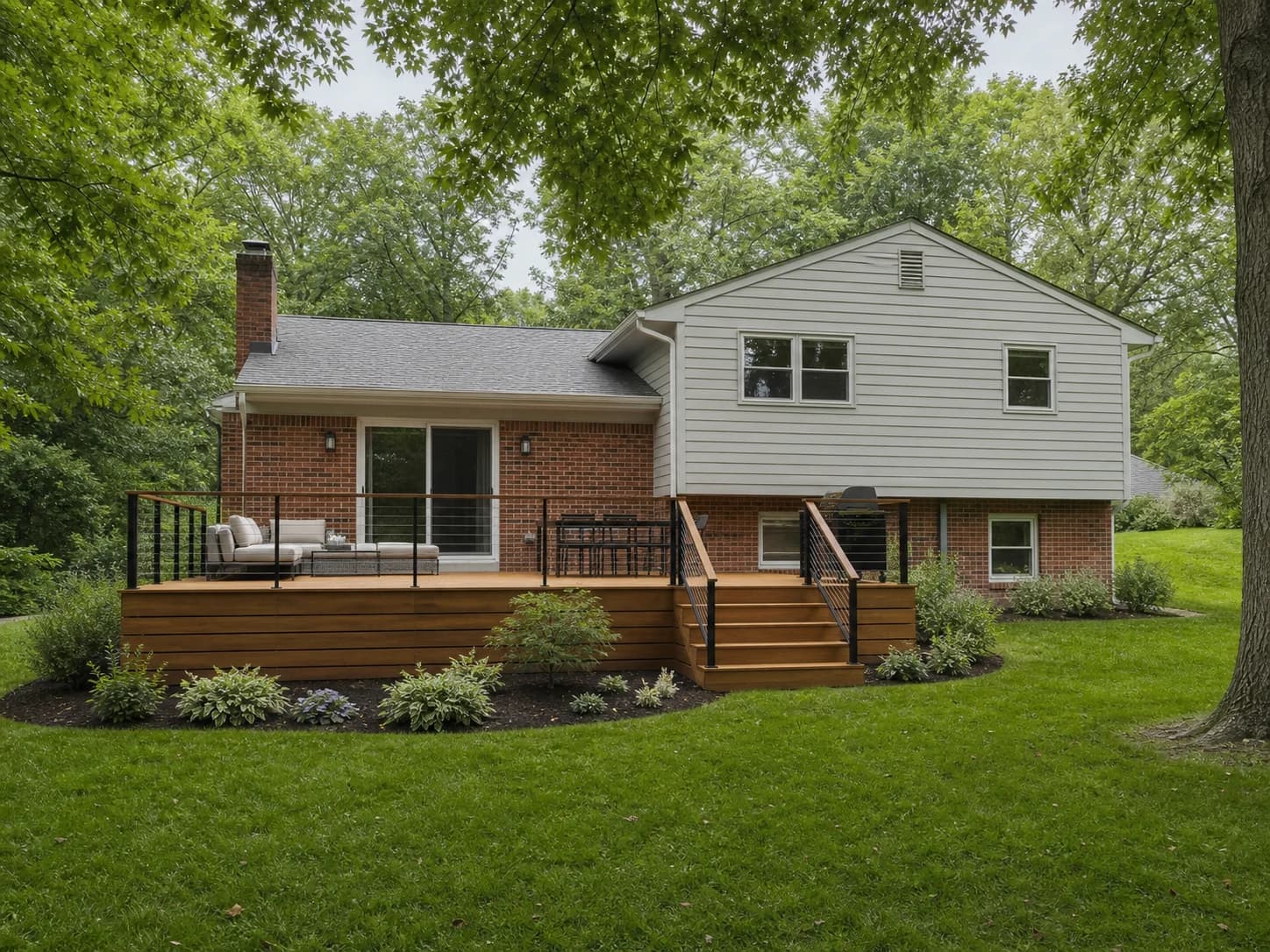
The big manufacturer tools are genuinely useful for exploring products. The difference is focus: they help you browse a catalog, while Montco Decks is built to answer "what would a deck look like on my house" and connect you to a local builder. Here is an honest side-by-side.
| Montco Decks | Trex AR | TimberTech Visualizer | |
|---|---|---|---|
| How you preview it | Upload a photo of your real house | Place a model through your phone camera (AR) | Upload a photo or start from a sample |
| App to install | None—works in your browser | Yes—download the AR app | None—works in your browser |
| Focus | Your specific house, then a local builder | Explore Trex products and colors | Explore TimberTech products and colors |
| Local builder introduction | Yes—Montgomery County, PA | Find-a-contractor directory | Find-a-contractor directory |
Trex and TimberTech are trademarks of their respective owners and are not affiliated with Montco Decks. Tool features described here are based on each product as of 2026 and may change.
The visualizer is a fast way to picture a deck on your specific home and to settle the choices that are hard to imagine in the abstract—finish against your siding, railing style, how big the deck should feel. That is where it shines.
It is not a set of construction documents. It does not calculate exact dimensions, confirm that a particular deck is feasible on your lot, check code, pull a permit, or quote a price. Those come from a builder who measures on site. Think of the preview as the picture you bring to that conversation so everyone starts on the same page.
Ready to try it?
It takes about two minutes. You can also explore a sample deck first to see the finishes and railings without uploading anything.
SEE A NEW DECK ON MY HOMEYes. Uploading a photo and previewing a deck on your house costs nothing and does not require an account. If you want to move forward, you can request an introduction to a local builder.
No. Unlike augmented-reality tools that require an app install, Montco Decks runs in your phone or computer browser. You upload a photo and customize the deck on the web.
It is an approximate concept based on the details visible in your photo—not a construction drawing. It is meant to help you picture size, finish, and railing on your own house. Exact dimensions, feasibility, and pricing come from an on-site measurement by a builder.
A clear daylight photo taken near the center of your yard, showing the full rear wall, doors, windows, and the ground beneath them. Our guide on photographing your house covers it step by step.
Yes. Upload the back of your house whether you have no deck, a small deck, or an old one you want to replace. The preview shows a new deck in the same spot.
Your photo is used to generate your preview and, only if you request a builder introduction and consent, shared with a builder serving your area. See our privacy policy for details.
Upload one backyard photo and preview your new deck in minutes. It is free.
SEE A NEW DECK ON MY HOME